Effortless Party Planning with Digital Child Birthday Invitations
Why Animated Invitations Are Changing the Game
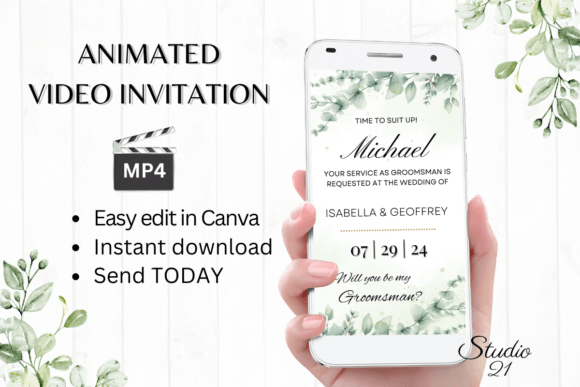
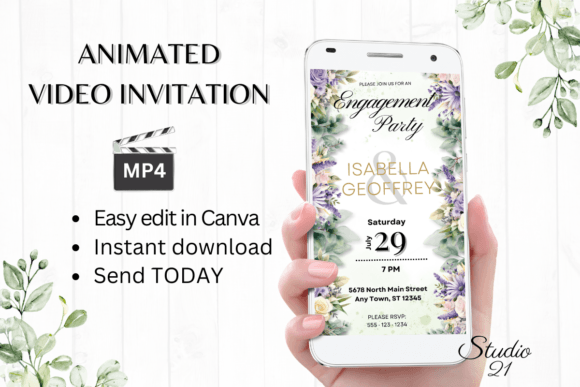
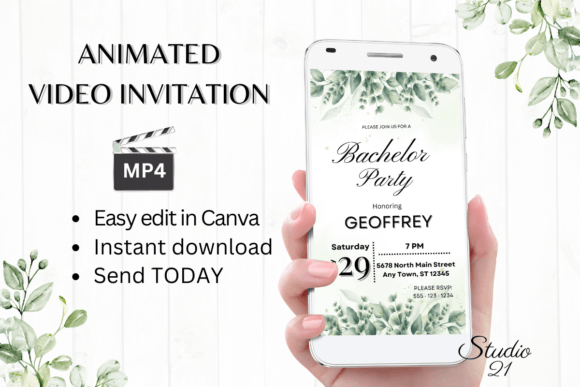
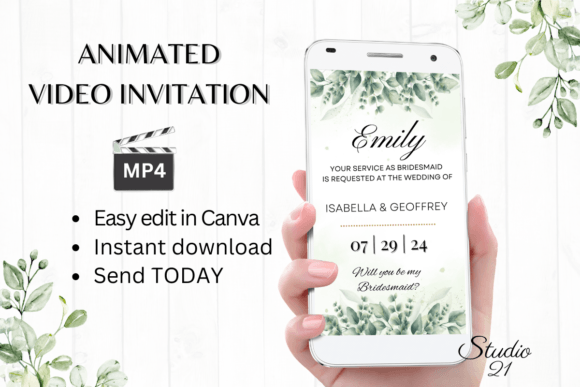
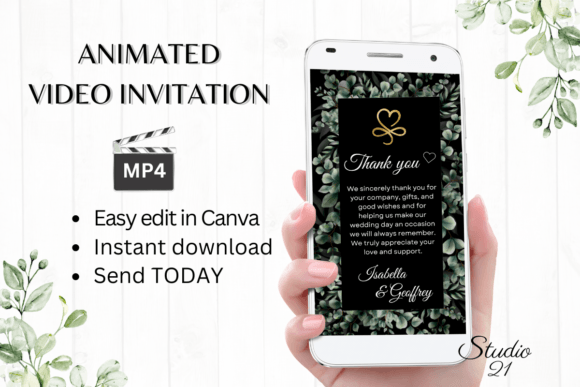
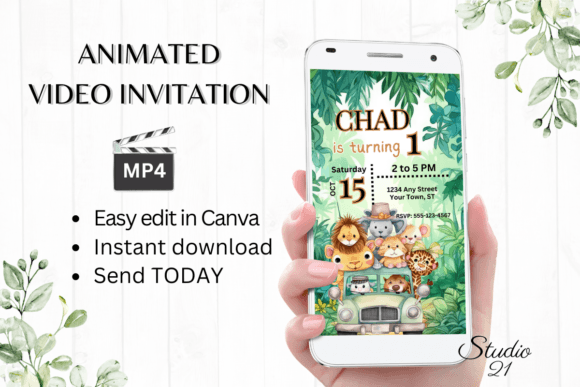
The days of waiting for a proof, driving to the print shop, and licking envelopes are fading into the background. For modern parents, time is the ultimate luxury, and when you’re juggling school runs, work, and party planning, you need a process that keeps up with your pace. That is where the Digital Child Birthday Invitation template steps in. It is not just a file you download; it is a complete design asset that brings the energy of the party to life before the first guest even arrives. By leveraging the power of animated video invitations, you are tapping into a trend that prioritizes engagement and visual storytelling over static paper cards.
Unlike a traditional JPG or PDF that sits inert in an inbox, an animated MP4 file commands attention. It utilizes motion, rhythm, and timing to guide the viewer's eye. This isn't about flashy graphics for the sake of it; it is about creating a visual hierarchy that makes the most important details—like the date, time, and theme—incredibly easy to read. The personality of these templates often leans into playful, modern typography, balancing fun script fonts with sturdy sans serif fonts to ensure readability. Whether the design features whimsical illustrations or sleek, modern gradients, the animation adds a layer of professionalism that static invites simply can't match.
Mastering Canva: Your Personal Design Studio
One of the biggest hurdles for many people when creating a Digital Child Birthday Invitation is the fear of complicated software. You don't need to be a graphic designer or own a copy of expensive editing programs to make this work. The beauty of this specific workflow is that it relies entirely on Canva, a platform that democratizes design. The moment you access the link provided in your download, you are stepping into an environment that is intuitive and user-friendly. You can edit the template at any time, whether you are sitting at your desktop computer or making quick tweaks on your mobile device while waiting for coffee.
The editing options are robust yet straightforward. You have complete control over the brand identity of the invitation. Don’t like the default font style? You can easily swap it out for a different typeface available in Canva’s library, adjusting the color and size to match your child's favorite shades. This flexibility is crucial for creative professionals and hobbyists alike who value customization. You can add or delete text blocks to streamline the message, ensuring that the visual hierarchy remains intact. Furthermore, you can adjust the animation styles. If a text box flies in too fast or fades too slowly, you have the power to tweak the timing until the rhythm feels perfect for the viewer.
The Power of the MP4 Format
Downloading your personalized creation as an MP4 file opens up a world of sharing possibilities that static images cannot compete with. In the current digital ecosystem, video content is king. When you send a Digital Child Birthday Invitation via WhatsApp, Messenger, or iMessage, the format is natively supported by almost all devices. It doesn't get buried in a "Downloads" folder waiting to be opened; it plays directly within the chat interface. This frictionless experience increases the likelihood that guests will actually watch the invite, absorb the details, and RSVP promptly.
From a design perspective, the MP4 format allows for a level of storytelling that enhances the user experience. You can use the animation to reveal information sequentially—first the name, then the age, then the location. This pacing prevents the cognitive overload that sometimes happens with text-heavy designs. It is an application of modern typography principles in motion. The video format also ensures that your creative font choices render exactly as you intended, regardless of the recipient's device. You don’t have to worry about the recipient having the right fonts installed, which is a common issue with editable PDF templates. What you design is exactly what they see.
Practical Applications and Workflow Efficiency
For the busy parent or the small business owner hosting a family-friendly event, efficiency is key. This template system is designed to eliminate the "back and forth" of traditional design services. There is no waiting for a designer to send a proof, and no need to download specialized software or fonts to your local machine. The Digital Child Birthday Invitation is built for immediacy. You receive a PDF with the link and a user guide, and you can have a finished, polished product ready to send in minutes.
This workflow is particularly beneficial for those who value brand consistency. If you are a content creator or blogger who frequently hosts events, using a template ensures that your communications always look polished and professional. The ability to change text effects and animation styles means you can reuse the same template structure for different events but give each one a unique flavor. It is a practical application of design assets that saves time without sacrificing quality. The fact that no physical product is shipped also makes this an eco-friendly choice, aligning with the values of many modern consumers.
Final Thoughts on Digital Engagement
In a world where our inboxes are overflowing, standing out requires a bit of motion and a lot of clarity. A Digital Child Birthday Invitation is more than just a notification of a party; it is the first impression of the celebration. It sets the tone, builds excitement, and communicates essential information in a format that people actually enjoy consuming. By utilizing tools like Canva and embracing the video format, you are not just sending an invite; you are delivering a high-quality, professional digital experience. It proves that you don't need to be a professional designer to produce work that looks expert-level, ensuring your child's big day starts on the right foot.